How to Use Clio: A Step-by-Step Practical Guide
Quick Answer
By following this guide, you will learn how to set up and use Clio for case management, time tracking, billing, and client communication. You will also understand how to avoid common errors and improve billing accuracy using LegalTime AI.
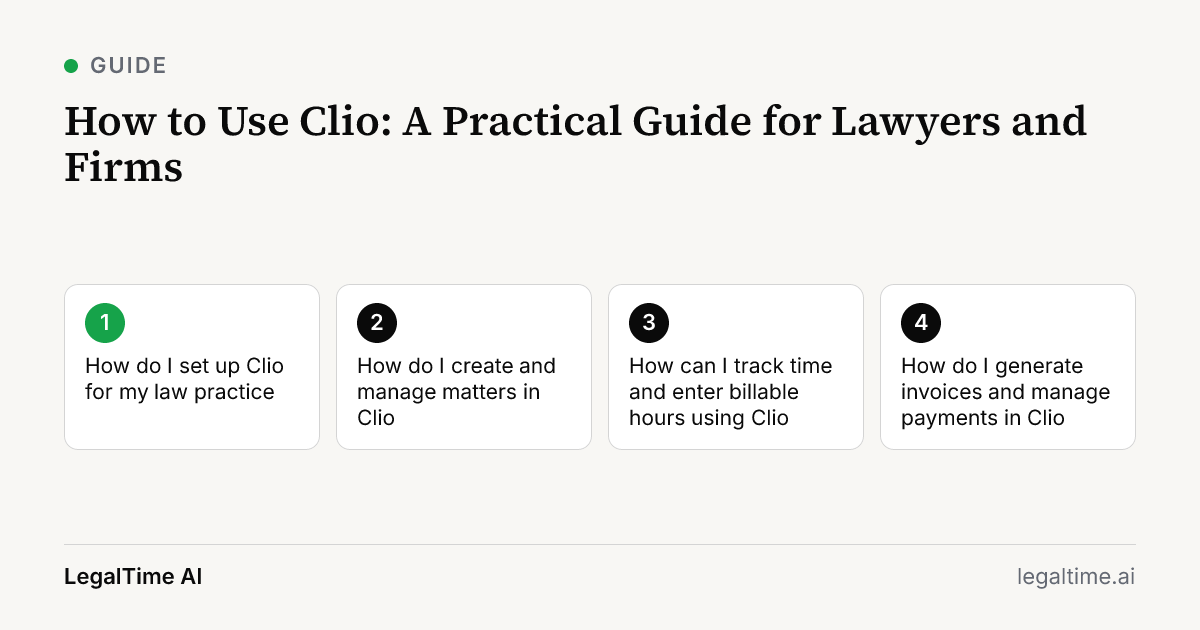
How do I set up Clio for my law practice?
To start using Clio, first create your firm account on the Clio website. Enter your firm details and invite team members by email.
Next, set up your practice areas and create matter types to organize cases by type, such as family law or personal injury. Add default billing rates for each attorney to ensure accurate invoicing.
Finally, connect your firm calendar and email to Clio to synchronize appointments and communications. This setup prepares you to track time and manage cases efficiently.
How do I create and manage matters in Clio?
Create new matters by navigating to the Matters tab and clicking 'New Matter.' Enter client information, case type, and assign responsible attorneys.
Use the notes and document sections inside each matter to store important case details and files. Update the status regularly to reflect progress, such as 'Active,' 'Pending,' or 'Closed.'
For billing, assign billing codes or tasks to each matter for accurate time capture and invoicing. Clio’s structure helps keep cases organized and billable work transparent.
How can I track time and enter billable hours using Clio?
Clio offers manual timers and time entry forms under the 'Time' tab. Start a timer when you begin work or enter time manually if you forgot to start it.
Assign time entries to the correct matter and billing code to match your client’s fee agreement. Include detailed descriptions to justify billable hours.
For firms wanting to reduce missed time, LegalTime AI can capture work automatically and draft entries that sync to Clio after your approval. This reduces the risk of lost billable minutes.
How do I generate invoices and manage payments in Clio?
Go to the Billing section and select 'New Invoice.' Choose the client and matter, then add approved time entries and expenses.
Review the invoice for accuracy, including tax or retainer deductions. Clio supports multiple billing models like hourly, flat fee, or contingency.
Send the invoice via email directly through Clio. You can track payment status and send reminders within the system. This keeps your cash flow visible and manageable.
What are common pitfalls when using Clio, and how can I avoid them?
One pitfall is inconsistent time entry, which leads to lost revenue. Avoid this by setting reminders or using LegalTime AI to capture time automatically.
Another issue is poor matter organization. Use consistent naming conventions for clients and matters to prevent confusion.
Also, double-check billing codes and fee agreements before invoicing to avoid disputes. Regularly audit your invoices and payment records to catch errors early.
Key facts
- Clio integrates with various billing systems and supports matter management, calendar, documents, and billing.[source]
- The average law firm utilization rate in 2025 was 38%, meaning lawyers captured 3.0 billable hours per 8-hour day.[source]
- LegalTime AI connects to Clio to draft and send approved time entries automatically from desktop activity.
Frequently asked questions
Can Clio handle different billing models like contingency or flat fees?
Yes, Clio supports multiple billing arrangements including hourly, flat fee, and contingency. You can set billing preferences per matter to match your fee agreements.
How does Clio integrate with LegalTime AI to improve time tracking?
LegalTime AI connects to Clio to automatically capture your billable work from desktop activity and drafts time entries for your review. Approved entries sync directly to Clio, reducing missed time.
Is there a mobile app for Clio to manage cases on the go?
Clio offers mobile apps, but LegalTime AI does not have a mobile app. LegalTime AI is a desktop app for Mac and Windows only.
How do I ensure client data privacy when using Clio and integrations?
Clio maintains professional data security standards. LegalTime AI keeps zero data retention and does not use your client content to train AI models, enhancing privacy.
Can I customize billing codes and rates in Clio?
Yes, Clio allows you to customize billing codes and attorney rates. This helps align billing with your firm's specific workflows and client agreements.
Related reading
Stop losing billable time.
LegalTime AI captures every minute automatically inside Clio.