How to Track Multiple Attorneys’ Time on the Same Case and Combine It for Fee Petitions
Quick Answer
You can track multiple attorneys’ time on the same case by setting clear matter codes, using detailed time entries, and combining data into unified reports for fee petitions. Tools like LegalTime AI help draft and organize entries automatically for review and billing.
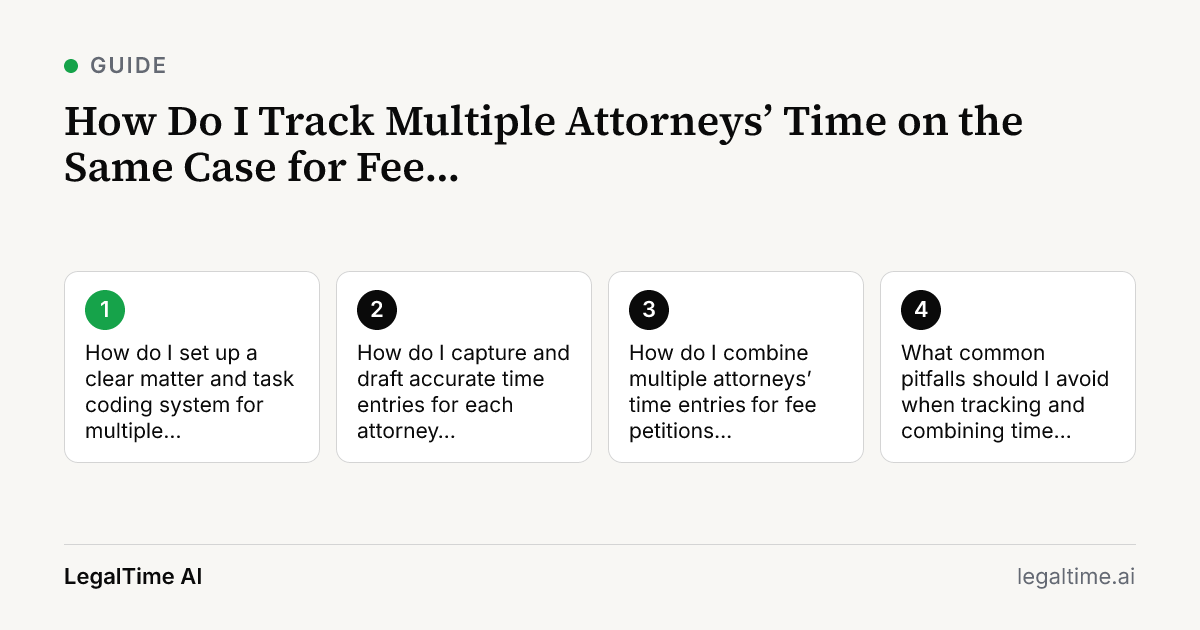
How do I set up a clear matter and task coding system for multiple attorneys?
Start by establishing standardized matter codes for the case in your billing system. Assign unique task codes for different work types like depositions, research, or drafting motions. Ensure every attorney uses these exact codes to avoid mixing entries.
This clarity helps when you later pull combined reports for fee petitions. If your billing system reads matter and task codes from time entries, consistency here is key. LegalTime AI connects to many billing systems and reads these codes automatically from your work activity, which reduces manual errors.
How do I capture and draft accurate time entries for each attorney working on the case?
Each attorney should record detailed time entries with clear narratives explaining the work done. Use precise start and stop times or automatic capture tools.
LegalTime AI helps by running in the background on Mac or Windows. It captures screen activity, call audio, sent emails, and calendar events tied to the case. The AI drafts time entries with the matter and narrative for each attorney to review and approve. This saves time and reduces missed entries, especially for attorneys who juggle many tasks.
How do I combine multiple attorneys’ time entries for fee petitions efficiently?
Once all time entries are approved and synced to your billing system, generate a detailed report filtered by matter codes. Export the report to Excel or your preferred format.
Review the combined entries to ensure no duplicates or gaps exist. Group entries by task and attorney to show total hours per category. This level of detail supports fee petitions with clear breakdowns.
Remember to verify that the combined total aligns with billing guidelines under ABA Model Rule 1.5(a) for reasonable fees.
What common pitfalls should I avoid when tracking and combining time for multiple attorneys?
Avoid inconsistent matter or task coding between attorneys; it fragments your time data. Also, don’t rely solely on memory or manual notes to track time. These cause lost billable hours.
Watch for overlapping time entries where two attorneys record the same task simultaneously without clear distinction. This can inflate billings and complicate fee petitions.
Finally, ensure your time capture respects client confidentiality and billing ethics. Review entries regularly and correct any vague or incomplete narratives.
Key facts
- ABA Model Rule 1.5(a) requires fees to be reasonable, considering time and labor required.[source]
- LegalTime AI captures billable work automatically from screen activity, call audio, sent email, and calendar.
- Solo and small firms lose significant billable time from manual tracking errors and missed entries.
Frequently asked questions
Can I use LegalTime AI to track all attorneys’ time on one case?
Yes, LegalTime AI runs on Mac and Windows desktops and captures time automatically from screen activity, call audio, sent emails, and calendar events. It drafts time entries per attorney for your review and approval, helping maintain accurate records for all involved.
How detailed should time entries be for fee petitions involving multiple lawyers?
Time entries should include the specific task, the attorney’s name, the exact time spent, and a clear narrative describing the work. This detail supports transparency and reasonableness under ABA Model Rule 1.5(a).
What do I do if attorneys use different billing systems or codes?
Standardize matter and task codes firm-wide before tracking begins. If attorneys use different billing systems, export and combine reports carefully, ensuring you align codes and formats before preparing fee petitions.
How do I handle overlapping or duplicated time entries by multiple attorneys?
Review combined time reports to identify overlaps. Clarify who did what, and adjust entries as needed. Avoid billing the same time twice by coordinating task assignments and communication.
Is manual time tracking still necessary if I use LegalTime AI?
LegalTime AI captures most billable work automatically, but attorneys should review and approve entries. Manual tracking may still be needed for unusual tasks or off-computer work not captured by the app.
Related reading
Stop losing billable time.
LegalTime AI captures every minute automatically inside Clio.