How to Handle Overlapping Calendar Events When Reconstructing Billable Hours
Quick Answer
Handling overlapping calendar events when reconstructing billable hours requires analyzing each event’s purpose, prioritizing billable tasks, and adjusting time entries to avoid double billing. Use clear rules and tools like LegalTime AI to draft accurate entries from calendar data.
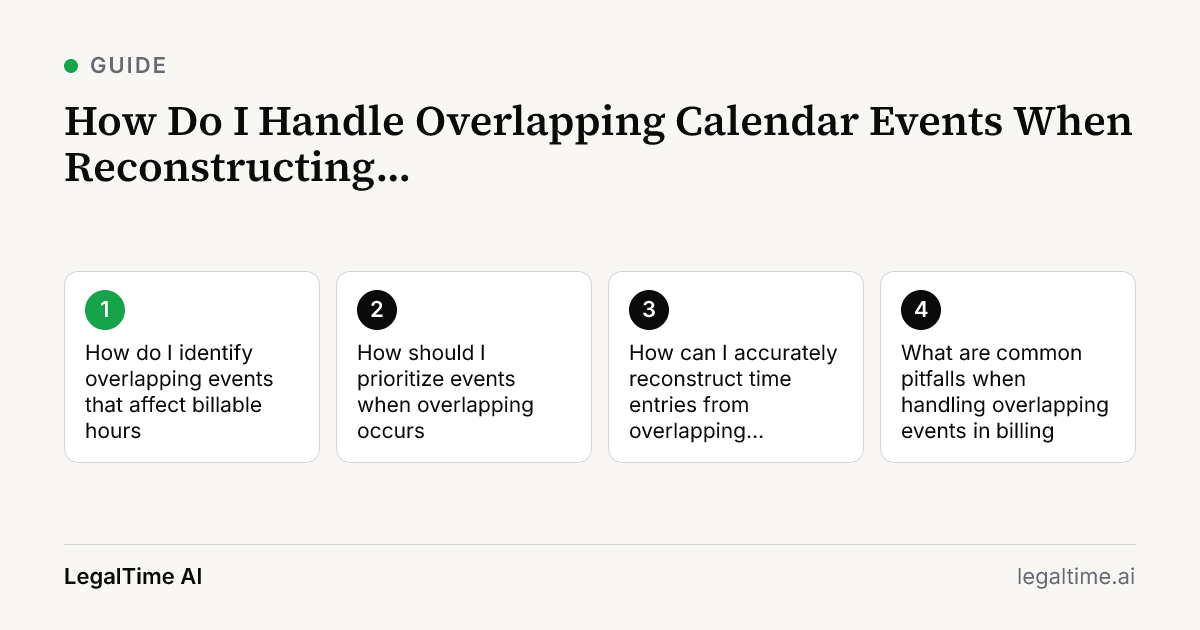
How do I identify overlapping events that affect billable hours?
Start by exporting or reviewing your calendar data for the billing period. Look for events that overlap in time on the same day. Identify which events are client-related and which are administrative or personal.
Use calendar tools that highlight overlaps visually, or export to spreadsheet software to sort by start and end times. Pay special attention to video calls, meetings, and deadlines that might have been recorded simultaneously.
How should I prioritize events when overlapping occurs?
Prioritize client-focused work over internal or non-billable tasks. If two client meetings overlap, allocate time based on which event was more critical or longer in reality.
For example, if a 60-minute call overlaps with a 30-minute email task, assign the full 60 minutes to the call and only bill part of the email time if it can be justified separately. Follow your firm’s billing guidelines or your jurisdiction’s ethical rules like ABA Model Rule 1.5 about reasonable fees.
How can I accurately reconstruct time entries from overlapping calendar events?
Break down overlapping blocks into discrete billable segments. Avoid counting the same time twice across multiple tasks. Use detailed notes from your calendar, emails, and case files to explain how time was spent.
Draft entries should state the matter name, activity, and precise time spent. LegalTime AI can help by capturing calendar data and drafting narrative entries for your review, reducing guesswork.
What are common pitfalls when handling overlapping events in billing?
A common mistake is double billing the same time period for multiple tasks or clients. This can lead to ethical violations and client disputes. Another pitfall is failing to document how overlapping time was divided, which auditors may question.
Also, avoid billing for administrative tasks as client work just because they appear on your calendar. Keep your narrative clear and specific to justify billed hours.
How can technology tools like LegalTime AI assist with overlapping calendar events?
LegalTime AI captures your Outlook calendar events and transcribes call audio to draft time entries automatically. It flags overlapping calendar events and uses AI to suggest matter codes and entry narratives.
You review and approve entries before they go to your billing system, ensuring accuracy. This reduces manual reconstruction errors and saves hours spent cross-checking calendar overlaps.
Key facts
- The average law firm utilization rate in 2025 was 38%, meaning lawyers captured 3.0 billable hours in an 8-hour day.[source]
- The average law firm realization rate in 2025 was 88%, meaning lawyers invoiced 2.6 hours' worth of billable work per 8-hour day.[source]
- LegalTime AI connects to Outlook calendar to capture call and calendar activity for drafting time entries.
- Solo and small firms are most affected by missed or overlapping time because they often lack billing staff.
Frequently asked questions
Can I bill overlapping time if two clients require simultaneous attention?
No. Ethical rules like ABA Model Rule 1.5 require reasonable fees. Bill only the actual time spent on each client. If work overlaps, allocate time based on priority and document your reasoning clearly.
What if I forget to note how I divided overlapping time when reconstructing entries?
You should reconstruct entries as accurately as possible using emails, notes, and calendar details. If missing, disclose the uncertainty in your billing narrative. Clear documentation protects you from billing disputes.
Does LegalTime AI handle overlapping calendar events automatically?
LegalTime AI captures calendar events and drafts time entries but requires your review and approval. It helps identify overlaps by organizing events, but you decide how to allocate time before billing.
How do I handle overlapping internal meetings and client work on my calendar?
Internal meetings are usually non-billable. Separate them from client work and do not bill overlapping internal meetings as client time. Use clear billing narratives to avoid confusion during audits.
Is it okay to round overlapping time entries to the nearest 6-minute increment?
Yes, rounding is common in legal billing but must be reasonable. Avoid rounding that inflates total billed time beyond actual hours worked, especially with overlapping events, to comply with billing ethics.
Related reading
Stop losing billable time.
LegalTime AI captures every minute automatically inside Clio.