How Do I Track Hours by Case to Support Fee Petitions in Contingency-Based Personal Injury Practice?
Quick Answer
You will learn how to track hours by case in contingency personal injury practices to support fee petitions. This guide covers organizing time records, using matter-specific billing codes, and reviewing entries for accuracy to comply with ABA Model Rule 1.5.
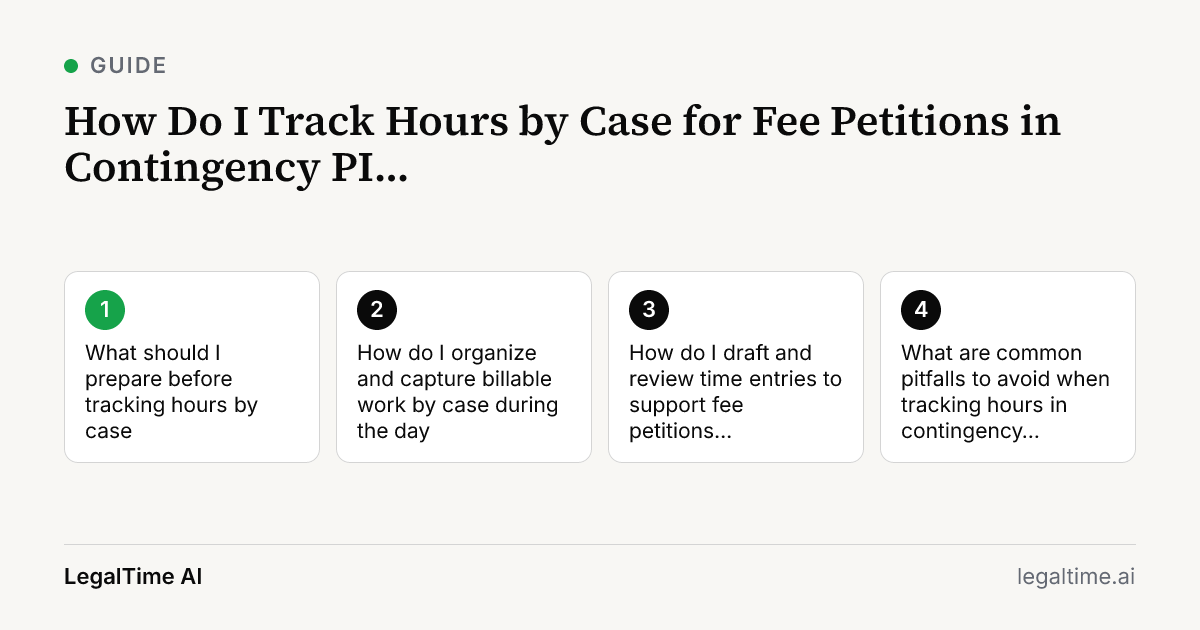
What should I prepare before tracking hours by case?
Start by reviewing your contingency fee agreement to understand billing terms and client expectations. Ensure the fee agreement is in writing and signed, as required by ABA Model Rule 1.5(c). Next, set up a matter-specific file or digital folder to store all related documentation and time records. Use consistent billing codes or descriptors that identify the case clearly. This preparation helps avoid confusion when compiling time data for fee petitions later.
How do I organize and capture billable work by case during the day?
Track billable work as it happens by associating every task with the correct case file or matter. Avoid generic time entries by specifying the activity, such as client calls, medical record review, or deposition prep. Use software or tools that allow you to assign time to matters automatically, like LegalTime AI, which captures screen activity and call audio tied to the case. If you track time manually, keep a detailed log with start and stop times and task descriptions immediately after each work session.
How do I draft and review time entries to support fee petitions accurately?
Draft time entries that include the case name, a clear description of the task, and the exact time spent. Avoid vague notes like 'worked on case' since fee petitions require precise documentation to justify fees under ABA Model Rule 1.5(a). Review entries daily or weekly to correct errors or fill gaps. LegalTime AI can draft time entries from captured activity for your review, reducing missed time and improving accuracy. Always approve entries before sending them to your billing system.
What are common pitfalls to avoid when tracking hours in contingency PI cases?
A frequent pitfall is failing to track all billable tasks, especially informal client communications or research done outside office hours. Another is mixing non-billable tasks with billable time, which can confuse fee petitions. Missing signed fee agreements or unclear hourly rates can also cause disputes. Avoid relying solely on memory; capture time contemporaneously. Finally, do not overlook reviewing your billing entries regularly to catch errors early.
Key facts
- ABA Model Rule 1.5(a) requires fees to be reasonable, considering time and labor required. [source]
- ABA Model Rule 1.5(c) mandates contingent fee agreements be in writing and signed by the client. [source]
- Most solo and small firms lose billable time due to manual tracking errors and lack of dedicated billing staff.
- LegalTime AI drafts time entries from screen activity and call audio, helping reduce missed billable hours.
Frequently asked questions
Why is tracking hours by case important in contingency fee personal injury practice?
Accurate tracking supports fee petitions by documenting the time and labor invested, which ABA Model Rule 1.5(a) requires for reasonableness. It protects you if a client questions fees and helps justify your compensation to courts or fee arbiters.
Can I use LegalTime AI to track hours automatically in contingency cases?
Yes, LegalTime AI captures screen activity, call audio, emails, and calendar events tied to each case. It drafts time entries for your review, helping reduce missed time and improve accuracy in fee petitions.
How detailed should my time entries be for contingency fee petitions?
Entries should clearly identify the case, describe the task performed, and state the exact time spent. Avoid vague descriptions. Detailed records help satisfy ABA Model Rule 1.5(a) and client expectations.
How often should I review and approve my time entries?
You should review and approve entries at least weekly. Frequent reviews catch missing or incorrect entries early and ensure that fee petitions reflect accurate, complete billing.
Related reading
Stop losing billable time.
LegalTime AI captures every minute automatically inside Clio.