How Do I Track Billable Time for Phone Calls?
Quick Answer
You can track billable time for phone calls by recording call start and end times, noting the matter involved, and drafting detailed time entries. Using tools like LegalTime AI helps capture call audio automatically and draft entries for approval, saving you manual effort.
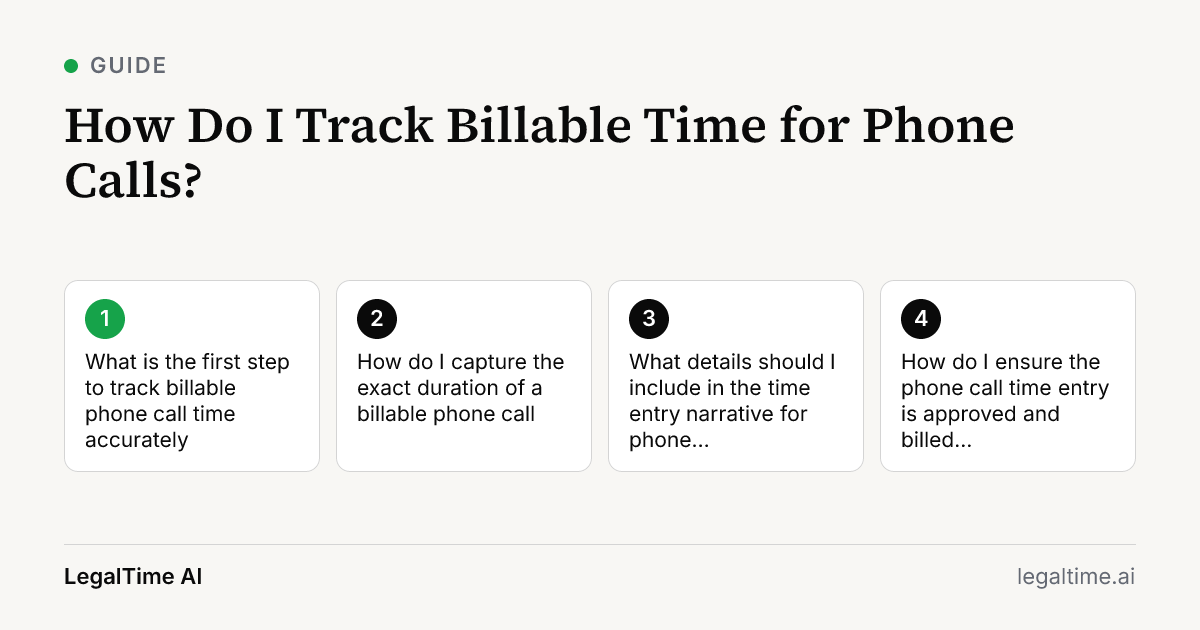
What is the first step to track billable phone call time accurately?
The first step is to identify the matter or case before the call starts. You need to log which client or matter the call relates to, so your time entry is accurate and billable. This can be done by opening your case management software or having a quick note ready.
If you use LegalTime AI, it reads your calendar and email to suggest the matter automatically, reducing manual errors. This step ensures your time is tied to the correct file right from the beginning.
How do I capture the exact duration of a billable phone call?
Start timing the call at the moment it begins and stop when it ends. You can do this with a manual timer or use software that tracks call audio automatically.
LegalTime AI captures call audio from video calls and transcribes it on your device. It then drafts the time entry with the exact duration, so you don't have to remember to start or stop a timer. This reduces missed billable minutes, especially for back-to-back calls.
What details should I include in the time entry narrative for phone calls?
Your time entry should include the call purpose, participants, and any key topics discussed. For example, note if you reviewed documents, gave legal advice, or negotiated terms.
Clarity here supports billing transparency and meets ABA Model Rule 1.5 requirements for reasonable fees. LegalTime AI drafts narratives based on the transcribed call audio, helping you avoid vague entries like "phone call" without detail.
How do I ensure the phone call time entry is approved and billed correctly?
After drafting, review the time entry for accuracy and completeness. Confirm the matter, duration, and narrative before approving it.
LegalTime AI sends only approved entries to your billing system, such as Clio or TimeSolv. This prevents accidental billing of non-billable calls. Regular review also helps catch any errors or duplicate entries.
What common pitfalls should I avoid when tracking billable phone call time?
Avoid failing to record the start and end times promptly, which leads to guesswork and lost billable time. Another pitfall is vague descriptions that cause client billing disputes.
Also, mixing personal and professional calls without clear separation can cause compliance issues. Using tools like LegalTime AI reduces these risks by automating capture and drafting, but you must still review entries carefully.
Key facts
- The average law firm utilization rate in 2025 was 38%, meaning lawyers captured 3.0 billable hours in an 8-hour day. [source]
- LegalTime AI captures call audio from video calls and transcribes it on your device for accurate time drafting.
- The ABA Model Rule 1.5 requires that time entries for billing be clear and accurate to support reasonable fees. [source]
- Lawyers typically bill phone calls by the tenth of an hour or per minute depending on firm policy and client agreement.
Frequently asked questions
Can I track billable phone call time if I don’t have a dedicated timer?
Yes. You can manually note call start and end times or use software that captures call audio automatically, like LegalTime AI. Manual tracking requires discipline, but software reduces missed time.
Is it ethical to bill for every minute of a phone call?
The ABA Model Rule 1.5 requires fees to be reasonable and clearly documented. Bill only for time spent on client work. Avoid billing time spent on small personal talk unless agreed with the client.
How does LegalTime AI improve phone call time tracking?
LegalTime AI automatically captures call audio from video calls and drafts detailed time entries with matter and narrative. It transcribes calls on your device and sends approved entries to billing software.
What billing increments should I use for phone calls?
Most firms bill phone calls by the tenth of an hour or per minute. Check your firm’s billing policy and client agreements. Accurate timing helps avoid rounding errors and client disputes.
Can I track phone calls made on my mobile phone with LegalTime AI?
No. LegalTime AI is a desktop app for Mac and Windows and does not have a mobile app or offline mode. You must track mobile calls manually or with other tools.
Related reading
Stop losing billable time.
LegalTime AI captures every minute automatically inside Clio.